Did you know that you can see all activity for individual users in Sender Profiles?
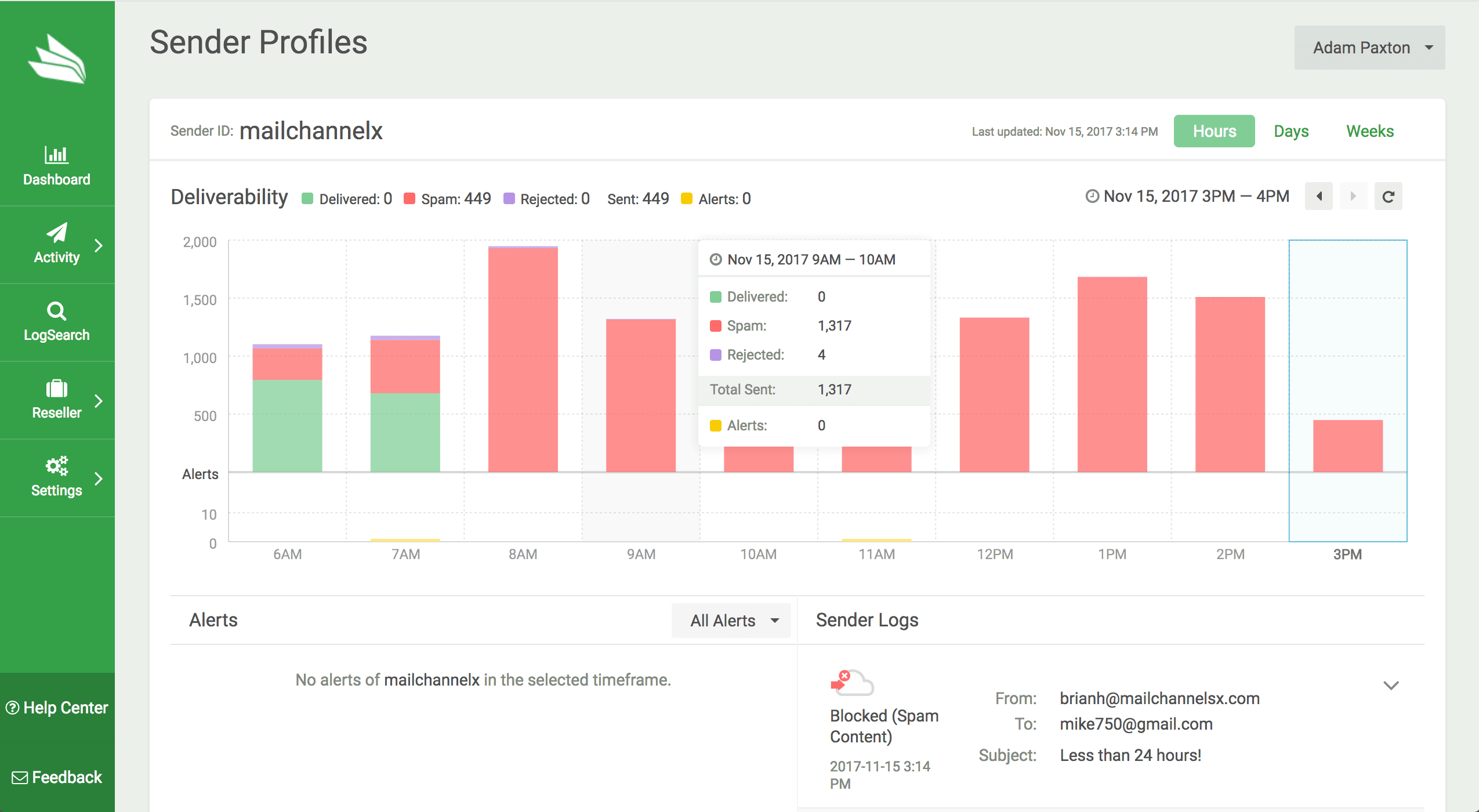
The Sender Profiles feature in the MailChannels Cloud Console is a smart way to keep informed about user activity. Each user has a Sender Profile that details all email sent by them, any alerts attached to the account and any other insights you might need—all in one concise place.
With helpful graphs and an account of all alerts in one place, Sender Profiles will allow you to:
-
Identify spammers instantly
Sender Profiles keeps a clear log of legitimate email vs. spam email being sent, making it easier than ever to recognise the warning signs of a compromise in your network. -
View timeline of activity
Find out when your users’ are sending email with an insightful timeline graph. -
See all user metrics in one place
A user’s sending timeline, alerts and LogSearch are all visible in one concise place, making it simple for you to spot any inconsistencies.
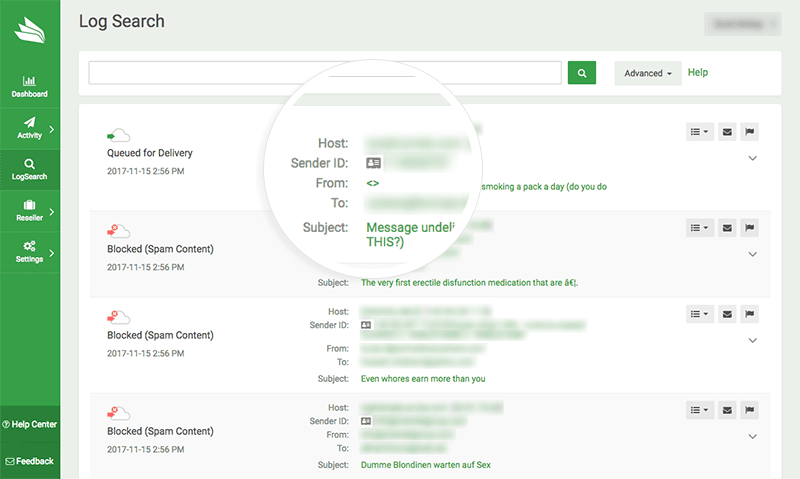
To see your users’ Sender Profiles, login to MailChannels Cloud Console and click on LogSearch in the sidebar.
Then, click on the Sender Profile image beside the sender’s ID.